
A calm, focused PDF reader for serious reading.
Read research papers, books, and long documents without distraction. Keep notes, highlights, and selection-scoped AI assistance right beside the page, completely local on your computer.
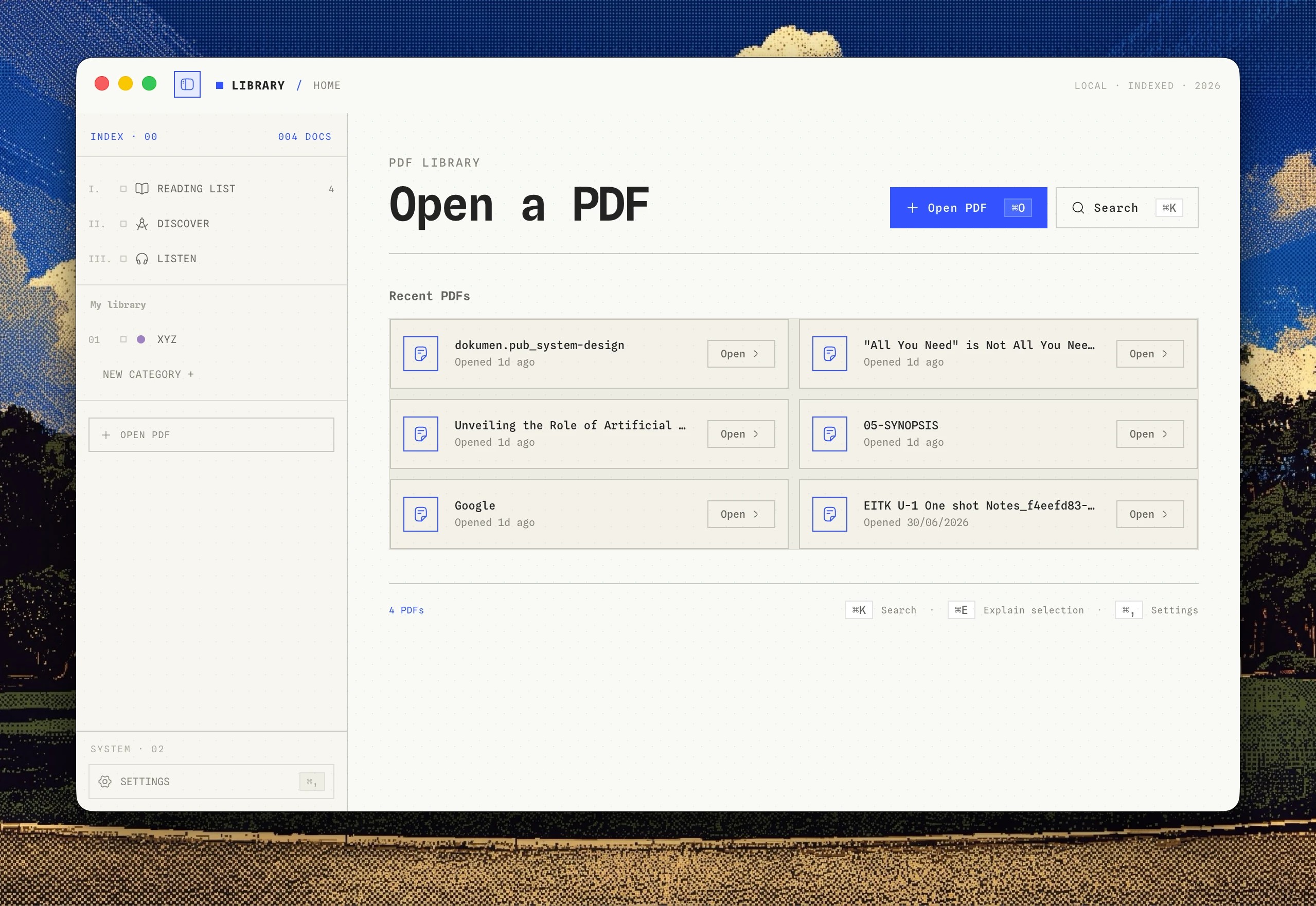
Everything around the page. Nothing to get in the way.
Traditional PDF viewers are cluttered with conversion tools and cloud popups. Quire focuses purely on deep reading and comprehension.
Distraction-free reading
A clean, quiet canvas dedicated entirely to the text. No cluttered toolbars, ads, or browser tabs between you and the document.
Anchored highlights & notes
Highlight passages and write thoughts right where they occur. Every annotation stays permanently anchored to its source sentence.
Selection-scoped AI
Highlight a confusing paragraph or dense theorem and ask for clarity. Only your selected text is sent, never your full document library.
100% Local & Private
Your PDFs stay on your machine. No accounts, no document uploads, and provider keys are stored in your operating system's secure credential store.
Ask the passage, not the void.
Generic chat interfaces force you to copy-paste entire PDFs into an external window. With Quire, you select exactly the confusing formula, lemma, or paragraph you need explained.
Your chosen model provides a concise, grounded explanation right in the margin, permanently anchored to that sentence.
Why is this significant? By replacing recurrence with self-attention, the Transformer allows all tokens in a sequence to be processed in parallel, drastically speeding up training while better capturing long-range dependencies.
How Quire fits your research workflow
Three direct steps from downloading a paper to retaining deep insight.
Open any PDF
Drag and drop local papers, textbooks, or research documents. Opens instantly with zero indexing delays.
Read, mark & question
Read at your own pace, highlight key passages, add margin notes, or ask your connected AI model for explanations.
Return with full context
Reopen the file days or months later. Every note, highlight, and response remains right where you left it.
Your API keys. Your privacy. No subscription markups.
Quire does not sell AI tokens or bundle monthly subscriptions. Connect directly to your chosen provider or run completely offline with Ollama.
Frontier reasoning, math derivations, and long-horizon passage synthesis.
Fast multi-step logic, technical analysis, and complex code breakdown.
Ultra-fast output with million-token context parsing capabilities.
Sub-second near-instant margin explanations and quick glossaries.
Runs entirely on your own hardware with zero cloud calls or telemetry.
Answers for thoughtful readers
Everything you need to know about Quire, privacy, and compatibility.
No. Quire is strictly local-first. Your documents remain on your computer and are never uploaded to any Quire cloud server.
Read deeply. Keep the whole thought.
Download Quire today and turn any PDF into a calm, permanent thinking space.